Hydrus Mission Monitoring with Subsonus
Note: The information in this section is applicable when using Subsonus together Hydrus and running missions in Subsonus Assisted mission mode, see Mission Modes.
Mission Initiation
Once Hydrus is deployed in the water, it requires a short period of time for the INS to stabilise. During this stabilisation process, Hydrus adjusts its position and orientation to ensure accurate navigation.
Once the INS has successfully stabilised, Subsonus will report the state of the Hydrus through the Subsonus web UI as "Holding Depth - Ready for resume mission command." This indicates that Hydrus has reached a desired depth and is ready to receive further instructions to continue its mission.
Note: If the user has specified a Pause Depth (Pause Vertical) in the mission planner, this is where Hydrus will be holding depth.
To resume the planned mission, press resume indicated by the play button. See User Interface Overview for information on command dialog controls. Resuming the mission will initiate the next phase of the mission and allow the Hydrus to carry out its planned tasks.
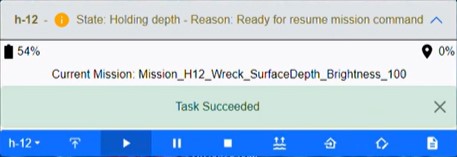
Command Dialog Box with Hydrus Holding Depth State
Mission Running
Once Hydrus has received the command to resume the mission, Subsonus command dialog box will provide an indication of its state as Going to next waypoint - Reason: mission running
During this time, Hydrus will start traveling from its holding/pause depth position to the initial waypoint of the survey path. The survey path is predetermined and created through a mission planning procedure that was completed earlier see Mission Planning Process.
As Hydrus follows the survey path, its progress and tracking can be observed on the Subsonus web UI. The web UI will display the vehicles position along the survey path, allowing the user to monitor its movements.
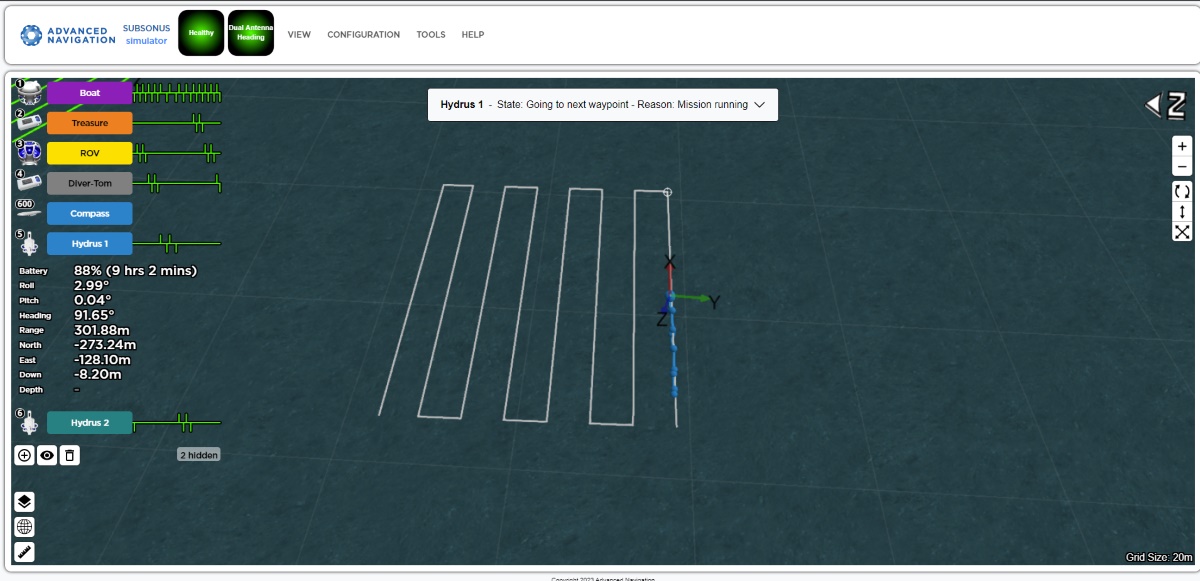
Screenshot of Hydrus on Planned Path of Survey Mission
Hydrus will continue executing the survey, completing the planned tasks as it reaches each waypoint along the survey path. It will collect data or perform any other assigned actions according to the mission objectives.
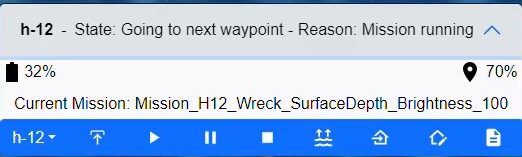
Command Dialog Box with Hydrus Going to Next Waypoint
Mission Complete
After Hydrus has completed its survey task, Subsonus will provide an update indicating that Hydrus has finished its mission. The state reported by Subsonus will be Going to Recovery Point - Reason: Mission Complete.
At this stage, Hydrus will start moving towards the designated recovery point, which was selected during the mission planning phase. The recovery point is a predetermined location where the Hydrus will be retrieved from the water.
Once Hydrus reaches the recovery point, Hydrus will either hold and report "At Recovery Point, waiting for return to surface command", or resurface automatically depending on mission parameter settings.
Note: That the depth of the Recovery point is the same as the hold depth programmed at the start of the mission.
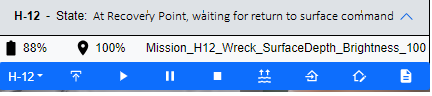
Command Dialog Box with Hydrus Waiting at Recovery Point
During the journey towards the recovery point, Hydrus progress can be tracked and monitored through the Subsonus web UI. The web UI will display its position as it moves towards the recovery point.
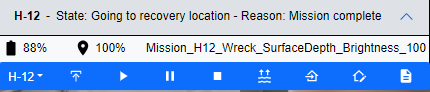
Command Dialog Box with Hydrus Mission Complete
Note: The recommended way to immediately halt Hydrus's mission during deployment and have it return to the surface is by choosing 'Abort Mission' in the Hydrus command dialog box.
After Hydrus has been retrieved and Hydrus has re-established it's Wi-Fi connection the Post deployment section within the Hydrus deployment dialog box will become available to use.
Finish the current deployment by selecting 'Finish Deployment'.
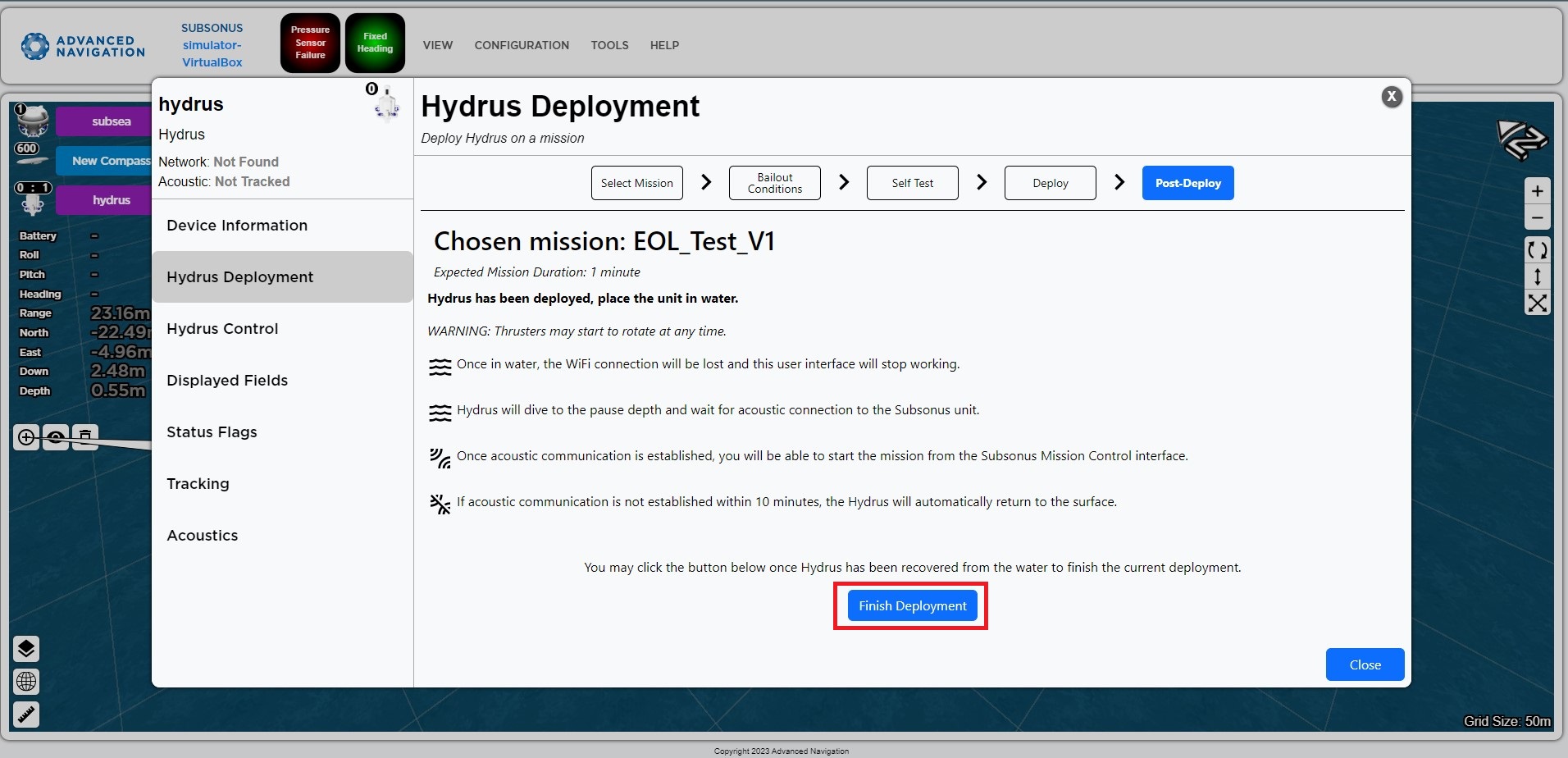
Hydrus Deployment Dialog Finish Deployment