Manual Control
Hydrus can be controlled manually from the user interface when in Hold position at surface mode. This mode is reached when Hydrus is configured to return to surface at the end of a mission or is commanded to “Return to Surface” by an acoustic command.
This feature allows the user to command Hydrus to move to a specific location, such as an extraction location.
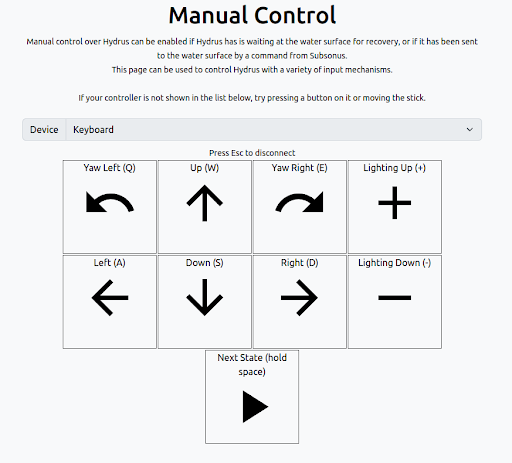
The Manual Control page offers “Keyboard Control”, useful when operating from a PC:
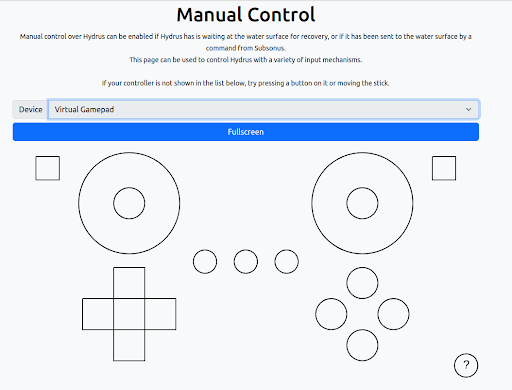
Alternatively the “Virtual Gamepad” can be used if operating from a touch screen:
Once a Wifi connection is established to the Hydrus after it returns to the surface it will chime to indicate that a connection and the manual control page can be navigated to. Using these controls the operator can drive the Hydrus to a convenient collection point close to a wharf or alongside a vessel hull.
Note: Wifi connection typically works in calm sea states up to 20 meters from the Hydrus, line of sight is recommended if a connection cannot be established.